Discover.
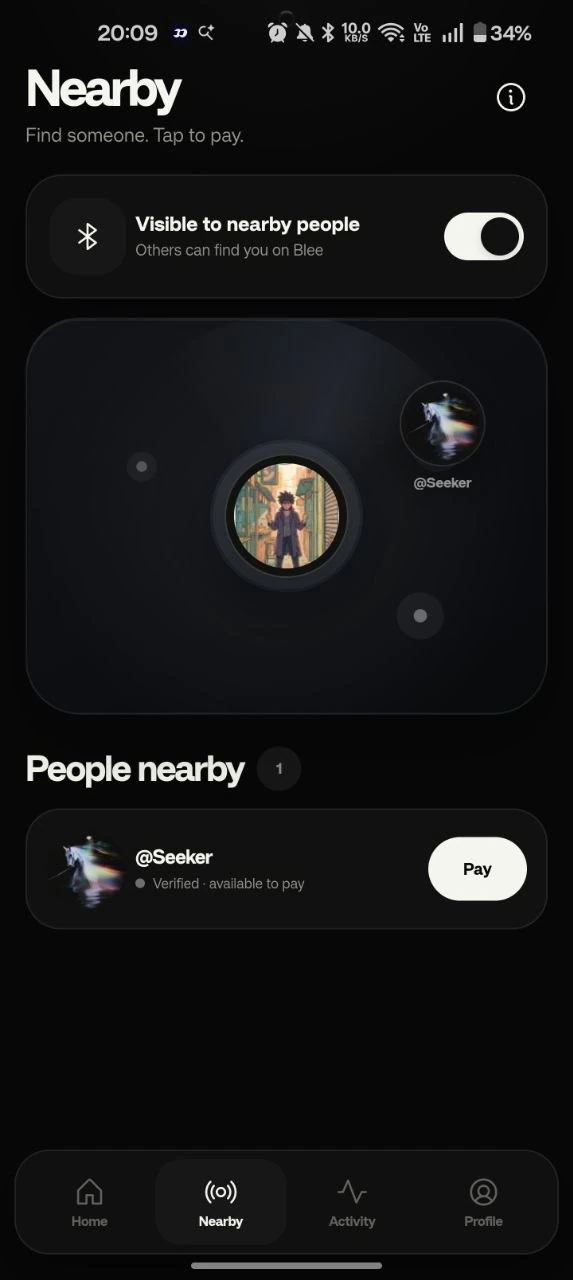
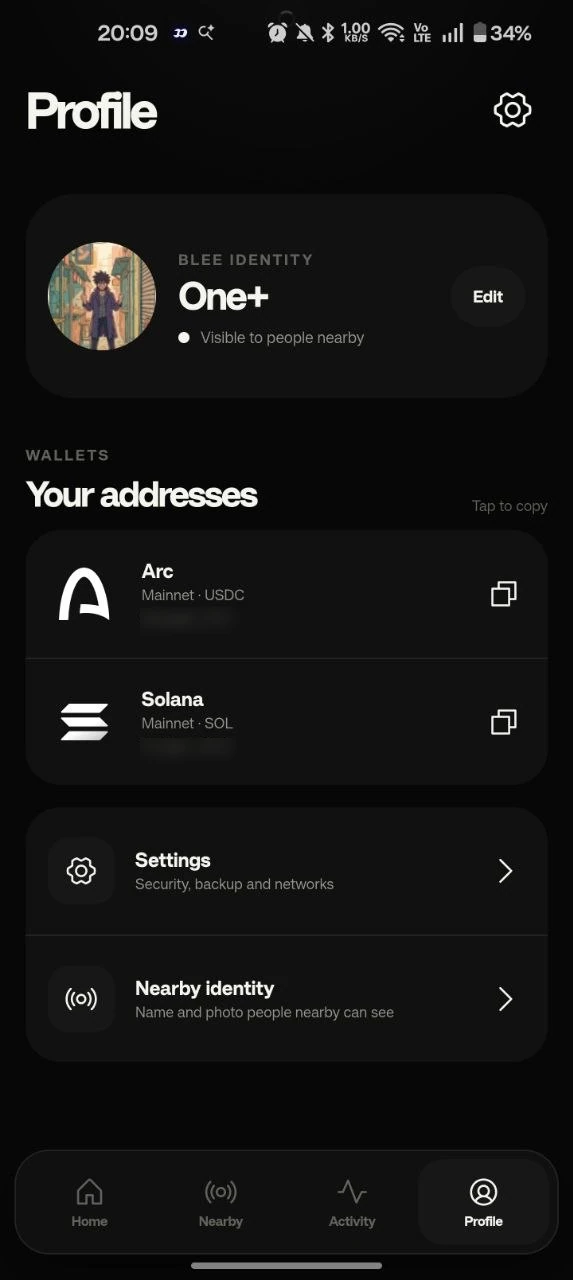
Blee finds people nearby over Bluetooth. Tap the person you actually want to pay.
 Get Blee ↓
How Blee works
Blee starts with the person beside you — not their wallet address.
Nearby over Bluetooth · Arc USDC · Solana SOL · NEAR · ZEC
01 / The flow
The shortest path between two people.
Blee finds people nearby over Bluetooth. Tap the person you actually want to pay.
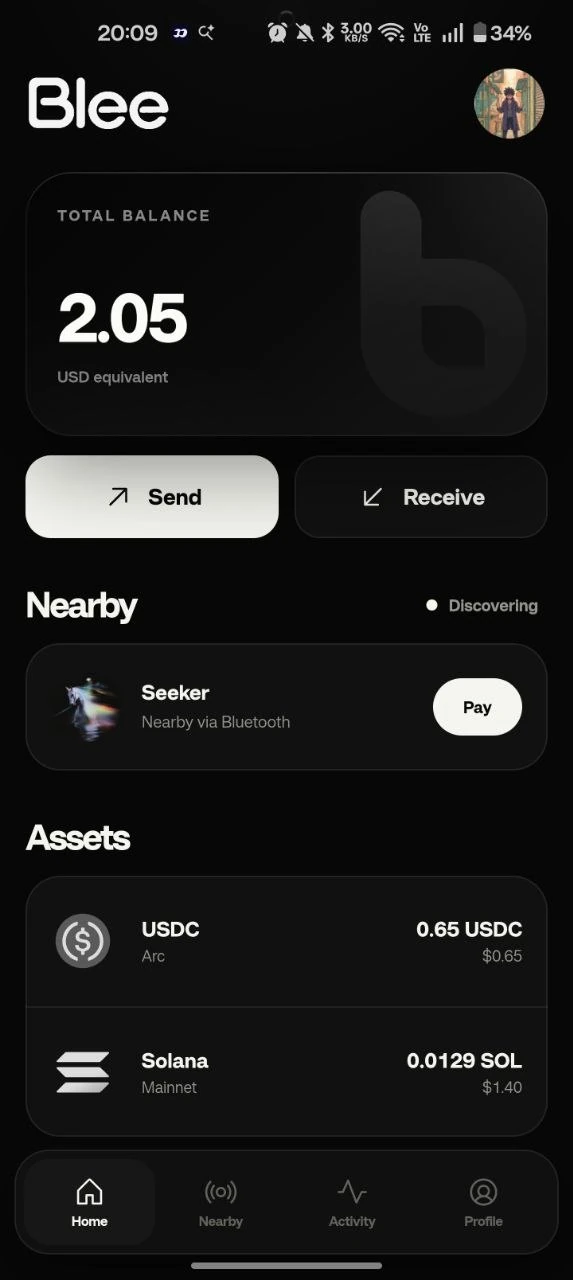
Choose USDC, SOL, NEAR or ZEC, enter the amount, and approve on your phone.
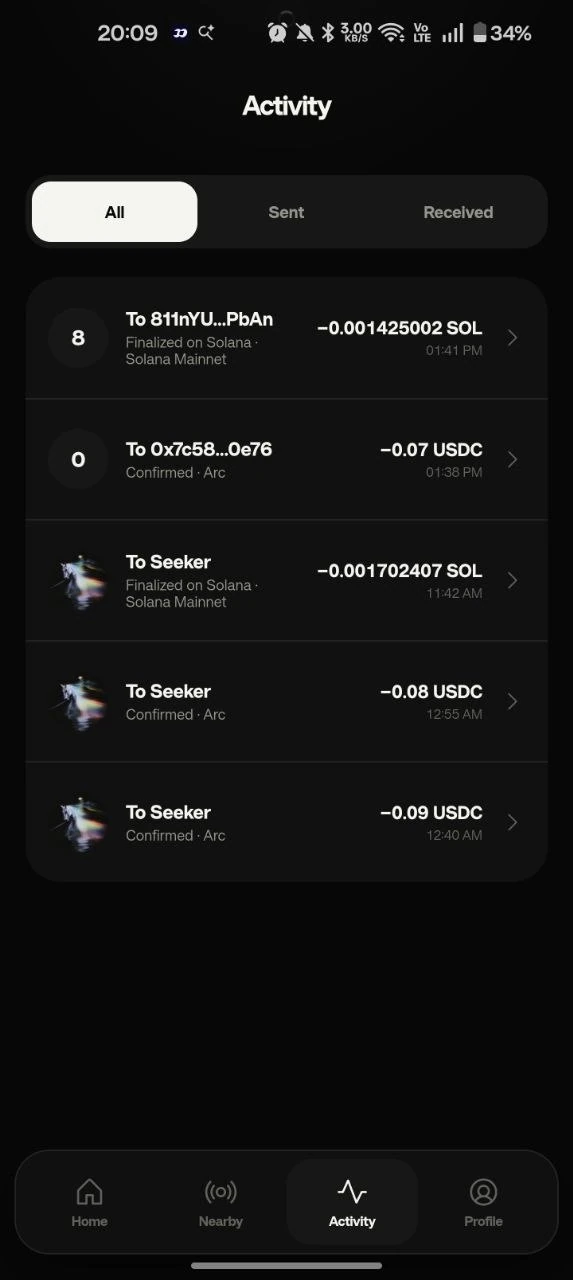
USDC settles on Arc, SOL on Solana. NEAR and shielded ZEC settle online on their respective mainnets.
The idea
Your keys remain on your device. Blee changes how you choose the recipient — it does not take custody of your money.
Arc USDC · Solana SOL · NEAR · shielded ZEC on Zcash.
Blee for Android and macOS
Discover the person. Approve the payment. Let the network mechanics disappear underneath.